
Chat, call and share your screen
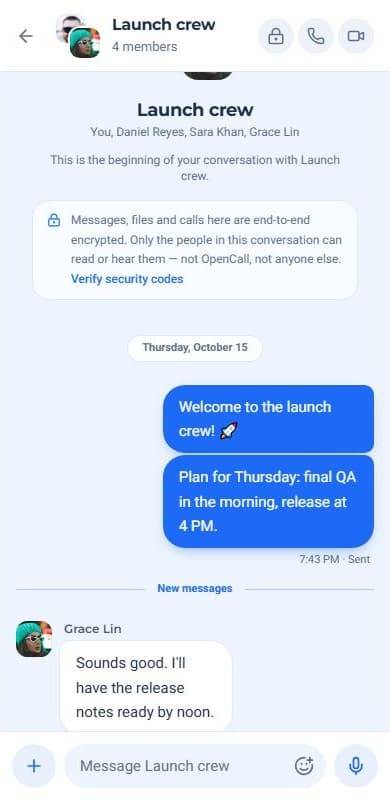
Web app — voice notes, photos, files and stickers, together with video calls for up to five people. Nothing to install.
Free for everyoneNo adsEnd-to-end encrypted
What's inside
Everything you need to talk, in one browser tab
Rich messaging
Voice notes, photos and files up to 50 MB, replies, reactions and animated stickers.
Calls and screen share
Video calls for up to five people. Present your screen while your camera stays on.
Private by default
Messages are end-to-end encrypted with keys that only your devices can unlock.
Why OpenCall
Fully responsive, from your phone to your desktop

Nothing to install, just open a tab
One place for every conversation
No downloads and no plugins. Open OpenCall on a laptop, tablet or phone and pick up where you left off — your chats stay in sync across every device you sign in on.
- Works in Chrome, Edge, Firefox and Safari
- Light and dark themes that follow your device
- Free for everyone, with no ads
Built for groups
Get your whole team on one call
Group chats and calls for up to five people. Share your screen to review a design, walk through a document or fix a bug together — while everyone still sees each other.
Start a group chat

Take a tour
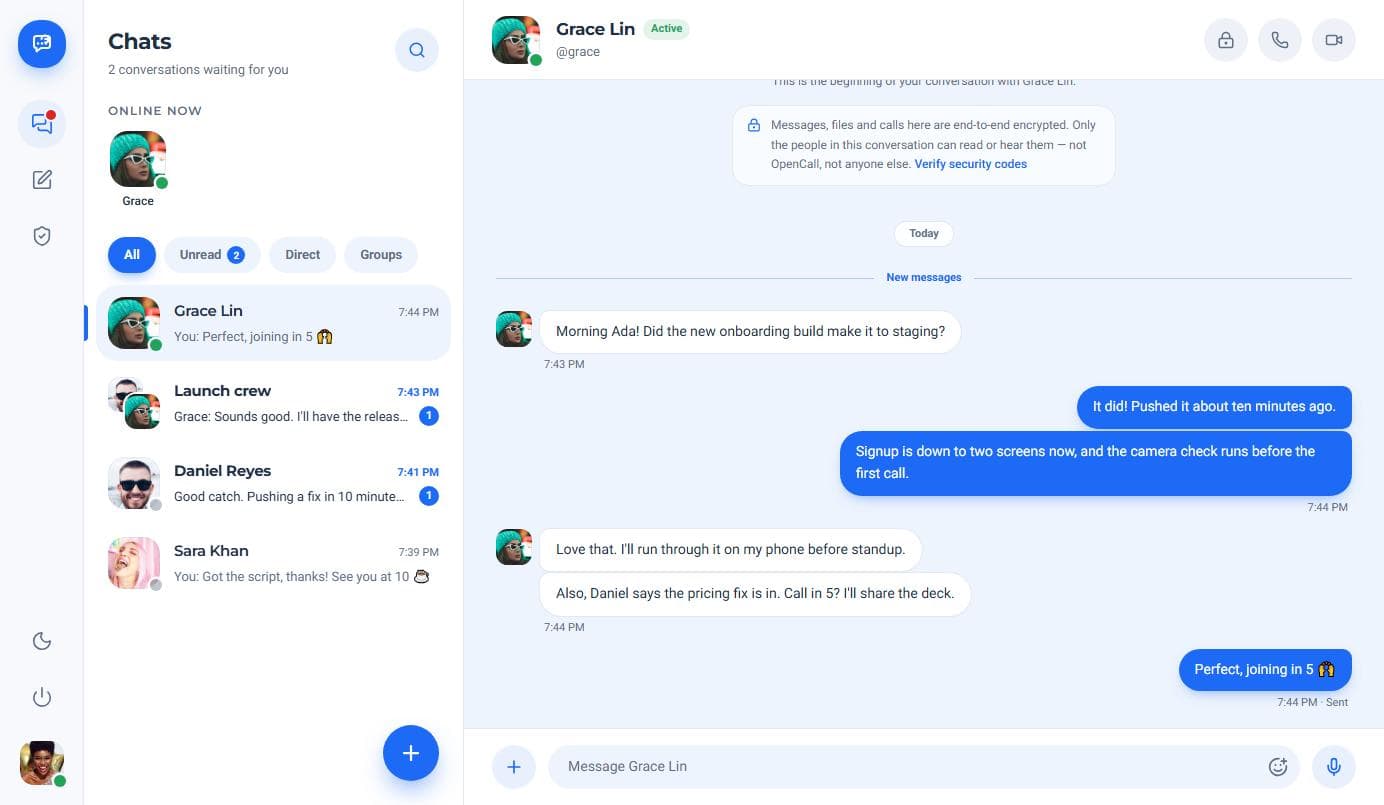
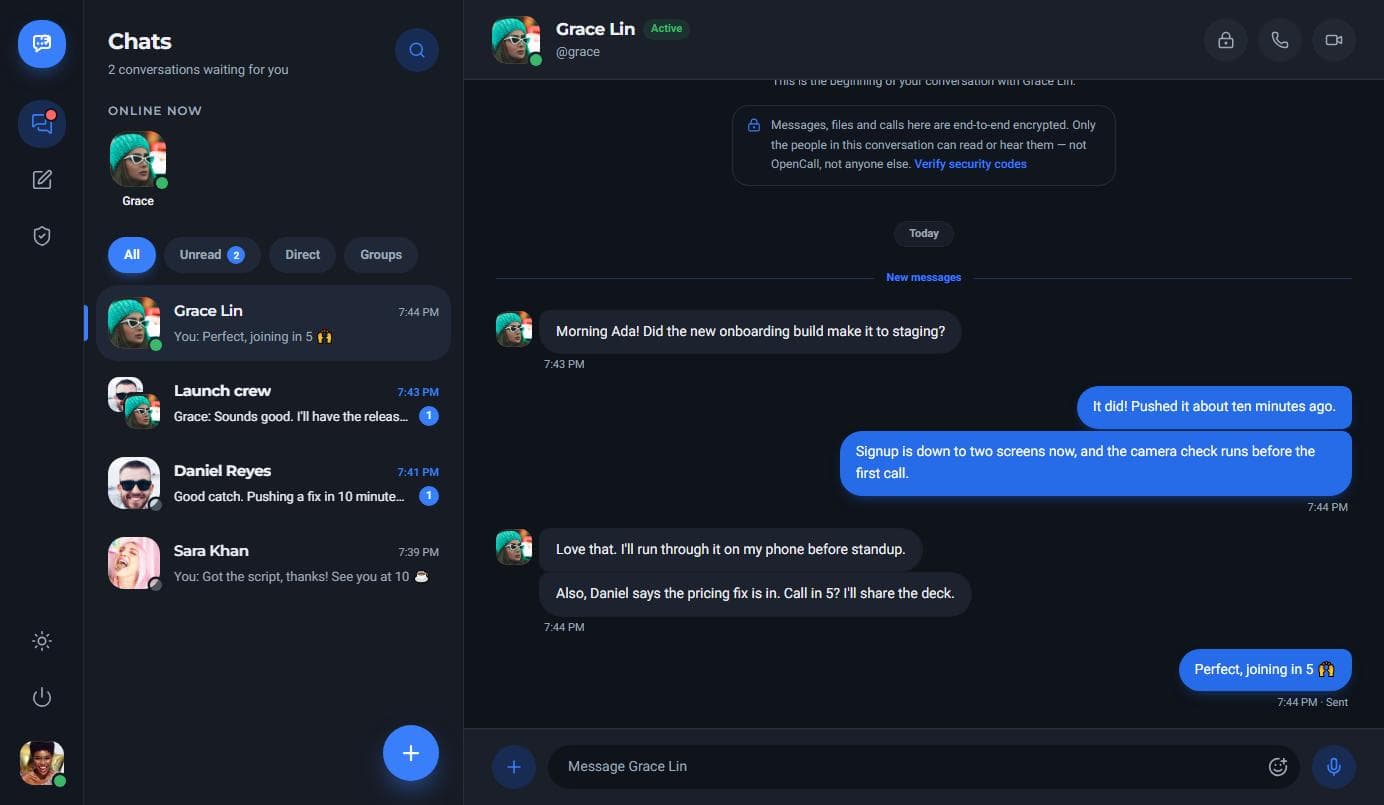
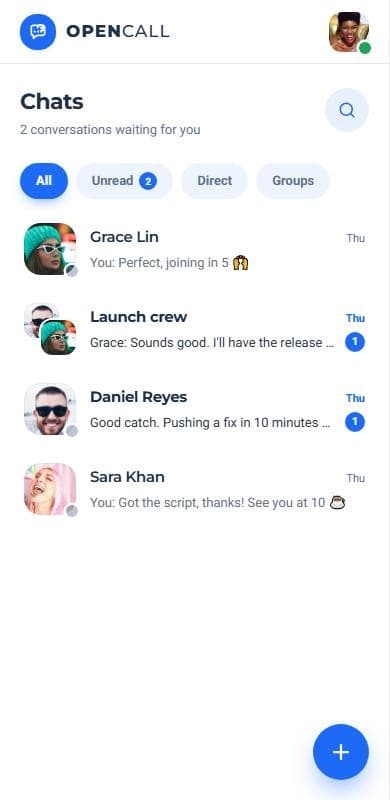
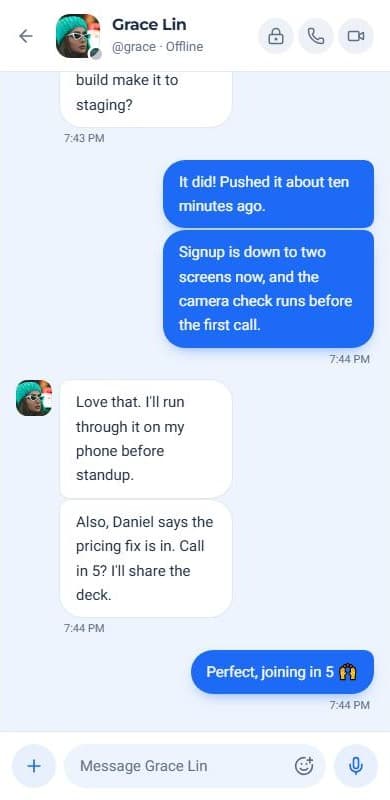
See OpenCall before you sign up
Filter by unread, direct or group chats, see who is online and pick up exactly where you left off.
Who it's for
Made for the people you talk to most

Friends & family
Group chats that feel close
Share photos and voice notes, then ring everyone at once — up to five faces on screen.
Voice notesGroup calls

Remote teams
Quick calls, shared screens
Review a design or debug together while everyone still sees each other.
Screen shareFiles

Students
Study sessions anywhere
Walk through notes on a shared screen from any laptop, with nothing to install.
In the browserFree

Freelancers
Client calls in one place
Send files, present your work and keep every client conversation together.
PresentingPrivate
Your keys, your messages
Private by default, encrypted end to end
Your keys — every message is encrypted on your device before it leaves, with keys sealed by your password. Only the people in the chat can read it, not OpenCall.
- Compare security codes with any contact
- Calls go peer-to-peer, encrypted by WebRTC
- Add a separate encryption passcode in Settings
Simple pricing
Free for everyone. Every feature.
One plan
$0forever
No trials, no seat limits and no ads. Everything below is included the moment you sign up.
Create a free accountChat
- Direct and group conversations
- Voice notes, photos and files
- Replies, reactions and stickers
Call
- Voice and video calls
- Up to five people per call
- A relay when networks block calls
Share
- Share a tab, window or screen
- Your camera stays on while presenting
- On desktop browsers
Get started
Ready when you are

Create your free account and start talking.
Already on OpenCall? Sign in